Betpawa Online Login
Logging in to Betpawa takes only a few moments with a reliable internet or Wi-Fi connection. You can use several devices and access options based on your preferences.
- Mobile app – Ideal for Android users who want a seamless betting experience on the move.
- Website – Suitable for those who prefer a larger screen and full site features directly from their browser.
- Mobile site – Perfect for users with limited device space or slower connections who still want a smooth interface.
How to Sign In to Betpawa Account Through Website
The website login method offers the easiest way to access your Betpawa account from any compatible device. This process works smoothly for both desktop and mobile users through any standard web browser.
Website Login Process:
- Go to the official Betpawa site. Enter the URL in your browser or use a trusted shortcut.
- Tap the Login button and fill out the form. Provide your phone number or email and your secure password.
- Complete the login and enter. You will instantly reach your dashboard where you can start placing your bets.
At this time, Betpawa does not feature a lite version of their website. All users access the main site, which stays efficient and user-friendly on a broad range of devices.
How to Sign In to Betpawa Account Through Mobile App
Betpawa gives Android users in Botswana a dedicated app for direct access, while those using iOS can visit the mobile site from any browser. The Android app delivers smooth navigation, quick updates, and all the same features as the website.
| System Requirements |
Android |
iOs |
| OS Version |
Android 5.0 or higher |
- |
| RAM |
At least 1GB RAM recommended |
- |
| Storage space |
Needs a minimum of 1.85MB |
- |
| Internet |
Requires stable internet for full app functionality |
- |
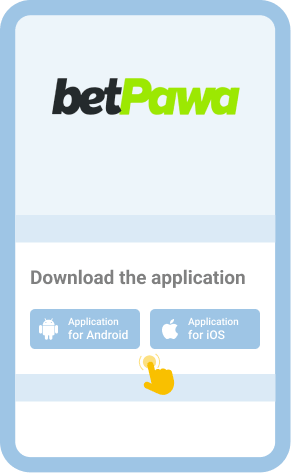
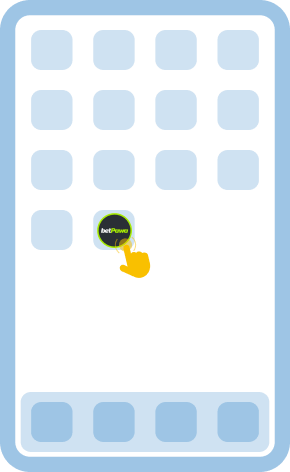
To log in using the Android app, download it directly from the official Betpawa site since it is not available in the Google Play Store. After installing the app, open it and use your registered information to access your account. iOS users can log in with their details through the optimized mobile website, which mirrors the app’s functions for easy betting on the go.
Get it from the official Betpawa website and install it on your device.

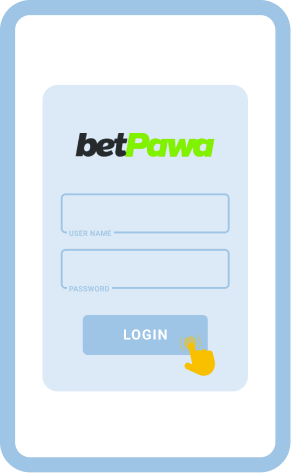
Find this button on the home page after launching the app.

Enter your registered number or email and password to proceed.

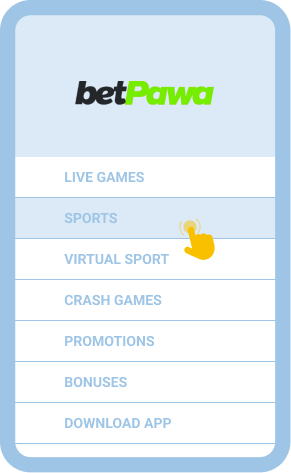
Explore bets, check your account, or navigate any feature you like.

Common Login Issues at Betpawa Botswana
Even with betpawa’s streamlined login interface, you might sometimes run into problems while signing in. Knowing the main causes and what steps to take helps you keep your account accessible and minimize disruptions.
| Problem |
How to resolve it |
| Forgot password |
Click the “Forgot Password” option on the login page. Follow the prompts to reset your password using your phone or email and set a new one to regain access. |
| The login page won’t load |
Check your internet connection and restart your browser. If the issue persists, clear cache, update your browser, or try another device. |
| App/site crashes |
Restart your mobile or computer and try again. If this fails, update your app or switch to the website until the issue is resolved. |
| Account lockout |
Repeated failed attempts may temporarily block your account. Wait at least 20 minutes, then try again or reach out to Betpawa support for faster help. |
Getting in Touch With Customer Service
If you still cannot log in, contact Betpawa customer support for quick help. Use these channels:
- Facebook Messenger: @betPawaKenya
- Telegram: @betpawa_kenya_bot