
The BetPawa Android app stands out for sports enthusiasts in Botswana who prefer to bet on the move. Its design balances simplicity with speed, highlighting a white-and-green colour palette that feels gentle on the eyes even during long sessions. The main navigation lives at the bottom, giving direct access to sports markets, account controls, and more, while the homepage features current sports and live events for quick access.

BetPawa Android App - Download & Install Guide for Botswana
Operating system
Android 5.0
RAM
1GB
Memory
300 MB
Languages
English, Tswana
BetPawa Welcome bonus
---
Navigating this app takes little effort even for newcomers, thanks to its mobile-first, lightweight layout. Fast loading times and clear menus reduce distraction, leaving no room for clutter. The popularity of Android gadgets in Botswana is high, with around 70% of mobile users on Android, which explains why BetPawa, trusted across African markets, continues to attract local punters.
While BetPawa does not display a Botswana-specific license, it operates within well-established regulatory standards and has a reputation for safety and data protection. Backed by a trustworthy development team, the app meets expectations for convenience and fair play, which builds user trust in the absence of a published local license.
BetPawa Bookmaker App: Step-by-Step Guide on Installation
BetPawa’s developers built the app with flexibility in mind, so nearly all Android phones and tablets released since 2015 can run it smoothly. They wanted every sports bettor to find it easy to install and use, regardless of tech knowledge. You only need a few details and the right hardware to get started, as summarized below.
| Parameter | Description |
|---|---|
| License | No confirmed local license in Botswana; reputable in African markets |
| Operating System Version | Android 5.0 (Lollipop) or above |
| Free memory space | Around 50–80 MB needed for installation |
| RAM | 1 GB or more recommended for efficient performance |
 Download BetPawa App for Android
Supported Android Devices
Developers intended for BetPawa to work on almost any Android gadget you might own. The app supports most phones and tablets released with Android 5.0 or newer, including Samsung Galaxy models, Nokia’s recent series, LG’s popular K and G phones, Sony Xperia lines, Motorola’s midrange family, and Xiaomi’s Redmi and Mi units.
Even if you cannot find your specific device on any recommended lists, you can easily try downloading the app. If your phone or tablet matches the minimum requirements, the installation should complete without issues.
How to Download & Install BetPawa Sports Betting App on Android?
Mobile and tablet users both get a similar experience, though tablet screens usually display more content at once. The process for installing on either is nearly identical, and anyone comfortable with Google Play or APK installs can handle it.
1
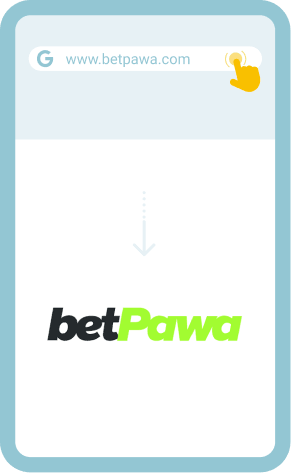
Visit the BetPawa Official Website
Browse to the official BetPawa website from your Android phone or tablet.
2
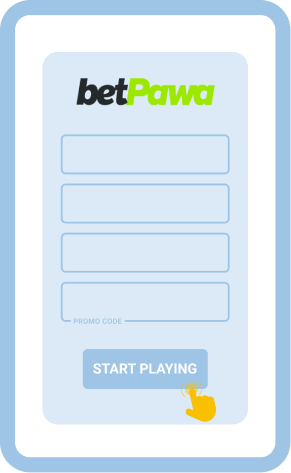
Sign Up and Verify Your Account
Create your account using a phone number and follow any verification instructions sent to you.
3
Download the App from Google Play
Click the download link, which will redirect you to Google Play. Select “Install” on the BetPawa app page. Download BetPawa Android App
Download BetPawa Android App 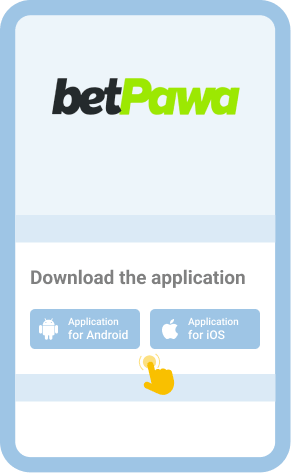
4
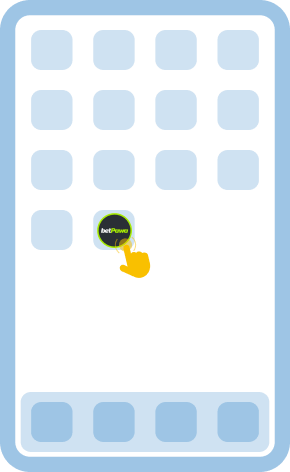
Open and Launch the App
When installation finishes, locate the BetPawa icon and launch it to access the login screen.
If, for any reason, you choose not to install the Android app, the responsive mobile website delivers a similar experience directly in your phone or tablet browser.
Comparison of the Old and Latest Android App Versions
Some users may already have an older BetPawa APK on their gadgets, but upgrading to the latest version unlocks better performance and security. Knowing how updates improve your daily sports betting routine helps you make informed choices.
| Criteria | Old APK version | Latest APK version |
|---|---|---|
| Bugs/errors | More frequent bugs and occasional freezes | Rare bugs, smoother operation |
| Security | May lack full data encryption | Improved safety with updated encryption |
| Features | Limited markets and slower deposits | Richer feature set and quicker payments |
| Compatibility | May skip optimizations for new Android | Refined to suit Android 13 and above |
| Performance | Runs lighter on older devices | Faster processing and better battery management |
You can update BetPawa by switching on Auto Updates through Google Play, or if you sideloaded an APK, download the newest version from BetPawa’s official site and replace the old app.
How to Log In To BetPawa APK?
Although logging in to your BetPawa account on Android closely matches the desktop procedure, taking careful steps boosts security and helps keep account access trouble-free.
1
Open the BetPawa App on Your Device
Locate and open the installed BetPawa app using your phone or tablet screen’s shortcut icon.
2
Enter Your Login Credentials
Input your registered phone number and password on the sign-in form, making doubly sure your details are correct.
3
Access Your Profile
After a successful login, the app sends you directly to your profile page, where you can adjust account settings or check your balance.
4
Deposit or Jump To the Sports Lobby
From your profile, use quick links to fund your account, collect a welcome bonus if eligible, and move straight to sports betting.
If you ever choose to skip the app download, you can visit BetPawa in your browser. Saving a shortcut from the browser menu to your home screen helps create an app-like launch point.
Bonuses and Promotions You Can Find on BetPawa App for Android Phones and Tablets
BetPawa’s Android app for Botswana treats both newbies and regulars to sports promos designed for mobile play, spicing up the betting journey through regular rewards. The offers change, but most android players can expect at least the following options.
- Welcome Bonus: BetPawa awards new players with bet-and-get offers that activate after the first bet is placed.
- Ongoing Campaigns: Active customers will see rolling bonus types such as small free bets, accumulator boosts, and insurance on selected sports tickets.
- Special Mobile Bonuses: While currently there is no exclusive download bonus for installing the Android app, app-exclusive promotions sometimes become available for a limited time.
Accepted Payment Methods
BetPawa lets users deposit and withdraw using several payment methods popular around Africa, but availability depends on your login region. Typically, you will find card payments, mobile wallet transfers, and several cash transfer services in the cashier.
USSD codes and SMS payments can be found for locals without reliable internet, speeding up transactions straight from your phone. Most deposits process instantly, with withdrawals usually taking less than 24 hours, depending on method. Minimum amounts tend to be around 10–20 BWP, and KYC may be needed for larger payouts.
Mobile payments are well supported. Options range from Google Pay to major mobile money gateways, letting most Android users top up directly in-app. All cashier terms and up-to-date conditions are available for review in the cashier and T&C section of BetPawa’s website.
Common Problems With BetPawa Android App Installation
When setting up BetPawa’s app, some users may run into minor installation or launch issues, even if their phone or tablet seems compatible. Quick solutions often solve most problems before they require technical support.
| Problem | Solution |
|---|---|
| App won’t download | Check network connection and retry the download on Wi-Fi. |
| App won’t install | Confirm you have enough memory, and update Android to the latest supported version. |
| App won’t launch | Restart your phone or tablet, and reinstall the app if needed. |
| App crashes | Clear the app cache in Android settings or download the app again. |
If these fixes do not resolve the issue, contact BetPawa Support by
- Sending an email: [email protected]
- Starting a live chat on the app or website
- Using the Help/FAQ section for guidance
Disclaimer
Mobile apps make betting easier than ever, but they also carry the risk of overuse and problem gambling, especially when they are so accessible on Android devices. Practice good habits and treat wagering with caution.
- Set clear deposit and betting limits before starting each session.
- Never chase lost bets or gamble with money needed for essentials.
- Take regular breaks and check your betting history to spot patterns.
- If you need help, reach out to Botswana’s gambling support helplines or speak to a trusted professional.
FAQ
Which Is Better: BetPawa Android App Or Mobile Site?
Both the BetPawa Android app and the mobile site deliver a smooth product, but the dedicated app stands out for speed and convenience. Users can receive push notifications about bets, promos, and results, launching straight into the sports lobby without loading web pages. However, the mobile site works on nearly any device, requires no install, and matches all features except for notifications and some interface perks. Choosing between them depends mostly on whether you prefer a standalone shortcut or versatility without the need for space on your device.
Do I Need A Separate Account To Bet On Sports On The BetPawa Android Application?
No separate account is required when you move from the desktop site to the BetPawa Android app. Your login credentials are valid on all platforms, so you can register once on the website or in-app and use the same profile everywhere. All deposit, withdrawal, betting, and account tools sync up instantly when you log in, so the process remains seamless, whether on a phone, tablet, or desktop.
How Do I Update The BetPawa Android App To The Latest Version?
Updating the BetPawa Android app depends on how you originally installed it. If you downloaded the app through Google Play, updates install automatically if you enable auto-updates for your Android apps. If you installed an APK from the website, you need to revisit the BetPawa official site, download the latest APK version, and replace the old one manually. Keeping your app updated means you get all new features and security improvements as soon as they are available.