
Supabets attracts a wide audience of sports fans in Botswana who appreciate its variety of sports markets, exciting promotions, and simple navigation. Every feature, from exclusive promotions to live market access, sits behind the login barrier, making it essential for every player to know the sign-in process. If you want uninterrupted entertainment and personalized tools, signing in is the gateway to the Supabets experience.

Supabets Login Guide 2026 - Sports betting sites in Botswana
Min.payout
37 BWP
Min. deposit
7 BWP
Payout Speed
up to 24 hours
Withdrawal limit
18 500 BWP
Supabets Welcome Bonus
100% up to 1500 BWP
Play Now
21+
| New customers only
Supabets Online Login
Logging in to Supabets involves only your account details and a secure internet connection. Supabets makes it easy to access your account across several devices, giving you smooth control wherever you choose to play.
Here are the main login options:
- Website – Direct access from any browser, providing complete access to all features and account functions.
- Mobile Site – Convenient for users on smartphones or tablets who want a compact version with fast page loads.
To log in through the mobile site, follow these steps:
1
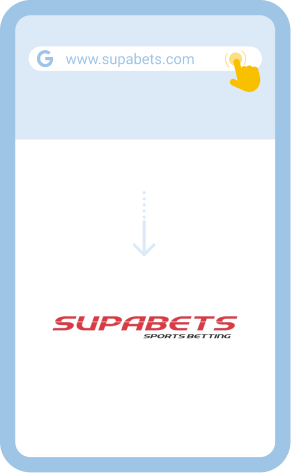
Open the Supabets mobile site
Launch your preferred browser and visit the Supabets mobile web page.
2
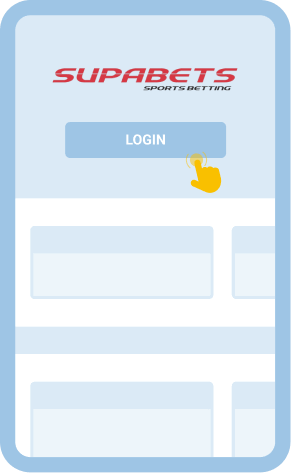
Tap the Login button
Locate and select Login on the top menu or homepage.
3
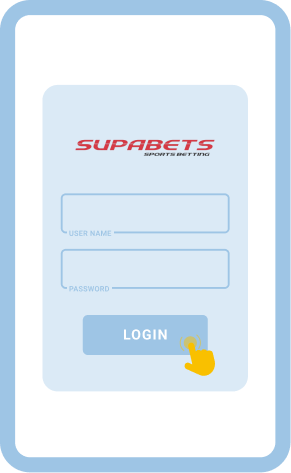
Enter your login details
Type in your username or phone and your secure password in the fields provided.
4
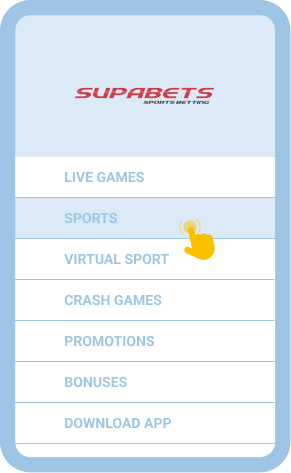
Access your account and start
Once signed in, you can explore, place bets, or manage your account right away.
How to Sign In to Supabets Account Through Website
Signing in through the website remains the easiest method for Supabets users in Botswana, suitable for both computer and mobile browser access. This method provides full functionality, letting you manage your account, check odds, and join live events in just a few steps.
Website login process:
- Visit the Supabets website. Enter the site URL in your browser’s address bar and load the homepage.
- Press Login and enter your details. Click the Login button and provide your username or phone and password.
- Complete login to access account. Submit your credentials and wait for your personal account dashboard to load.
Supabets does not offer a dedicated lite version, so all users will see the same standard interface, whether they access it from a desktop or a mobile browser.
How to Sign In to Supabets Account Through Mobile App
Supabets does not have a dedicated app for Android or iOS, but you can still access the platform using the mobile site. This version works well on both smartphones and tablets, loading quickly and fitting well on smaller screens. Simply use your mobile browser to reach the site, where the login procedure mirrors the desktop process.
To sign in:
- Open your mobile browser and go to the Supabets website.
- Tap on Login, usually found at the top of the page.
- Enter your username, phone number, and password to access your account dashboard.
Common Login Issues at Supabets Botswana
While Supabets has designed its platform to be user-friendly, some players might run into login challenges from time to time. Recognizing these common issues and using practical solutions helps you get back to playing quickly without losing momentum.
| Problem | How to resolve it |
|---|---|
| Forgot password | Use the “Forgot Password” feature on the login page. Enter your phone number or email, follow the instructions, and reset your password to restore access. |
| The login page won’t load | Check your internet connection and refresh the page. Try accessing Supabets from another browser or clear your cache if the problem repeats. |
| App/site crashes | Restart your browser or device and retry. If the issue persists, visit Supabets from another device or update your browser. |
| Account lockout | Multiple failed login attempts can trigger a temporary lock. Wait for 20 minutes before trying again, or contact customer support for help. |
Getting in Touch With Customer Service
If you find that login issues are persistent or outside your control, Supabets customer support offers responsive assistance. You can reach them for help using these channels:
- Email: [email protected]
- Live chat
FAQ
If I have not used my Supabets account for a long time, can I still access it?
Yes, you can. Use your existing login credentials to access your Supabets account, even after a long pause.
Is it secure to log in to Supabets on public Wi-Fi?
Logging in on public Wi-Fi has some risks. Prefer private connections, and avoid saving passwords on shared devices for extra safety.
Does Supabets let me use biometrics for sign-in?
Biometric login is unavailable on the Supabets mobile site at this time. You must use your standard username and password to log in.